

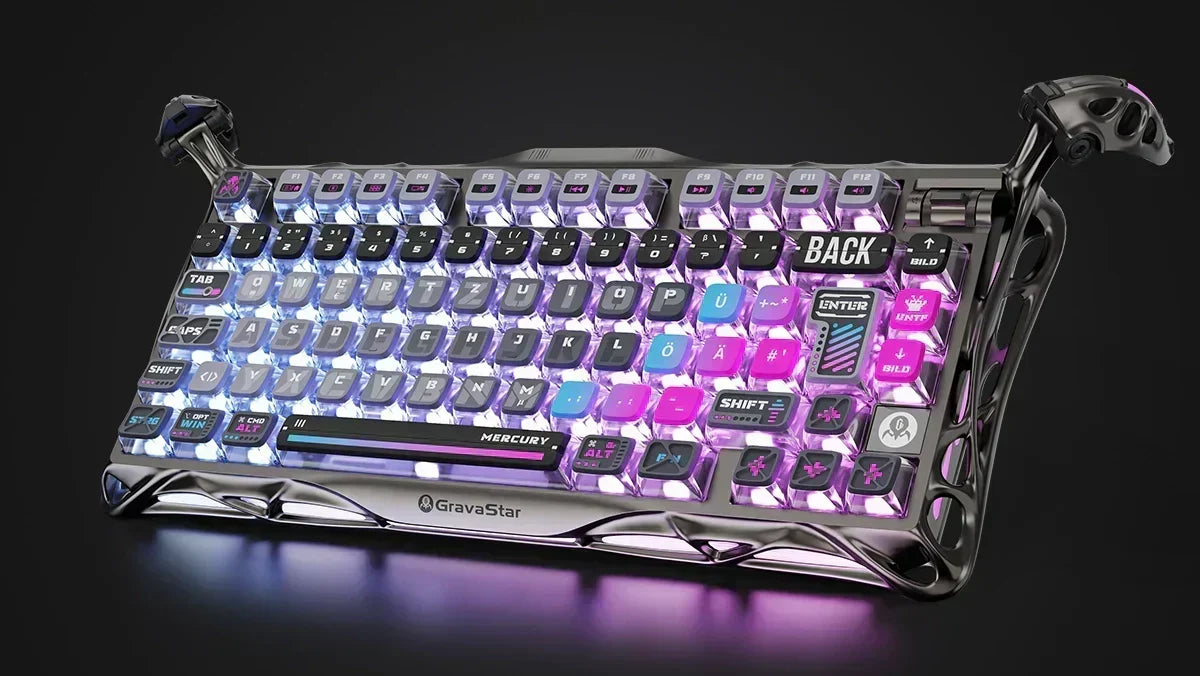
At first glance, US and UK keyboard layouts appear almost identical. Both are based on QWERTY, but they differ in some important keys and symbols.
For many users, this is only a minor adjustment in everyday life. For others – such as when typing, programming, or switching between multiple devices – knowing the differences can be quite important.
In this article, we'll take a closer look at the differences between US and UK keyboards, including a brief comparison to the German keyboard. We'll also show you how to easily switch keyboard layouts.
Looking for an e-sports setup? If you're looking for the ultimate decision-making guide for your next board, check out our ultimate gaming keyboard guide here.

QWERTY Keyboard Explanation: Where does the English keyboard layout come from?
The basis of both the US and UK keyboards is the so-called QWERTY layout, which was developed back in 1874 by Christopher Latham Sholes. The aim at the time was to make mechanical typewriters more efficient and prevent the typebars from jamming.
To this day, this layout has become established worldwide, but with regional adaptations.
ANSI vs. ISO Keyboard
In short, the US vs. UK keyboard comparison is about two different standards:
-
US keyboard: based on the ANSI layout
-
UK keyboard: based on the ISO layout
The two standards determine where which keys are located and what shape they have. The US keyboard is the worldwide favorite and virtually standard for software and hardware, while the UK version is perfectly tailored to Great Britain and Ireland.
The most important differences between US and UK keyboards
1. Enter Key
Probably the most striking difference:
-
US keyboard: flat, rectangular Enter key
-
UK keyboard: large, L-shaped Enter key
This also affects the surrounding keys.
2. Left Shift Key
-
US: longer
-
UK: shorter, as there is an additional key next to it
This additional key often causes confusion when switching.
3. Backslash Key
-
US: above the Enter key
-
UK: to the left of the Z key
Especially when programming, the difference is noticeable.
4. Alt-Gr Key
-
UK: has an Alt-Gr key for additional characters
-
US: right Alt key functions like the left one
This means: On the UK keyboard, more special characters can be entered directly.
Keyboard Special Character Differences in English Keyboard Layouts
The difference becomes particularly practical with special characters. On the US keyboard, for example, the @ sign is obtained with Shift + 2, while on the UK keyboard it is entered with Shift + '.
With the # sign, it's the other way around: On the US keyboard, it's on Shift + 3, while on the UK keyboard it's more easily accessible and located in a different position.
The £ symbol is also clearly a typical UK feature. It is directly provided on British keyboards, which is of course practical in the United Kingdom. On US keyboards, the $ sign is found on Shift + 3 instead.
US vs. UK Keyboard Comparison: Which keyboard is better?
There is no generally "better" keyboard. The US keyboard is very comfortable for many because it is widely used. It is often preferred for programming because symbols like @, #, and \ are quickly accessible.
The UK keyboard is more suitable, especially if you work in a British environment or frequently use pound signs and British spellings.
If you primarily write in German, the German keyboard is naturally the most convenient. If you write a lot in English, however, you can even be more efficient with US or UK, depending on your working environment.
Changing Keyboard Layout Windows: How to Switch from US to UK
If you want to change the layout on your computer, it's relatively easy to do in the system settings. In Windows, for example, you can add English (United Kingdom) via the language settings and select the UK layout there:
-
Open Settings (Win + I)
-
Select "Time & Language"
-
Open "Language & Region"
-
Add language (e.g. English UK)
-
Select keyboard layout
After that, you can simply switch between layouts without having to replace the physical keyboard.
The only important thing is: The keys on the hardware will naturally not change. Only the input on the screen will then follow the selected layout.
QWERTZ and QWERTY Difference: German vs. English Keyboard
Anyone accustomed to the German QWERTZ layout will quickly notice that US and UK keyboards differ significantly from it.
Important Differences at a Glance:
1. QWERTY vs. QWERTZ
-
German: "Z" and "Y" are swapped
-
US/UK: classic QWERTY
2. Umlauts missing
-
No direct keys for ä, ö, ü
-
Input only possible via key combinations
3. Special characters placed differently
-
Characters like @, €, #, or \ are on completely different keys
4. Enter key
-
German & UK: large L-shape
-
US: narrow and wide
5. Additional key (ISO vs. ANSI)
-
German & UK keyboards have an additional key next to the left Shift
-
US keyboards do not
Anyone who frequently writes in German will have to get used to a US or UK keyboard.
FAQ: Frequently Asked Questions about English Keyboard Layouts
What is the biggest difference between US and UK keyboards?
The Enter key and the placement of special characters are probably the most striking differences between ANSI vs. ISO keyboards. The UK keyboard has an L-shaped Enter key, the US version has a horizontal one. However, some other keys and symbols also differ.
Can you switch between US and UK layouts?
Yes, you can switch between US and UK layouts. To do this, simply adjust the language settings in Windows, macOS, or Linux: open system settings, add English (e.g., United Kingdom), and select the UK layout.
Is the US keyboard better for programming?
Often yes. Many special characters like @, #, or \ are more easily accessible, which is why developers sometimes prefer the US layout.
How do I know if I have a US or UK keyboard?
A glance at the Enter key quickly reveals this: On a UK keyboard, it is L-shaped, while on a US keyboard, it is flat. And the £ symbol is also a clear indication of a UK keyboard.
Are there major differences between German and English keyboards?
Yes. In addition to the QWERTZ arrangement, US/UK keyboards also lack umlauts, and many special characters are assigned very differently.
The solution: High-end tech in native QWERTZ layout
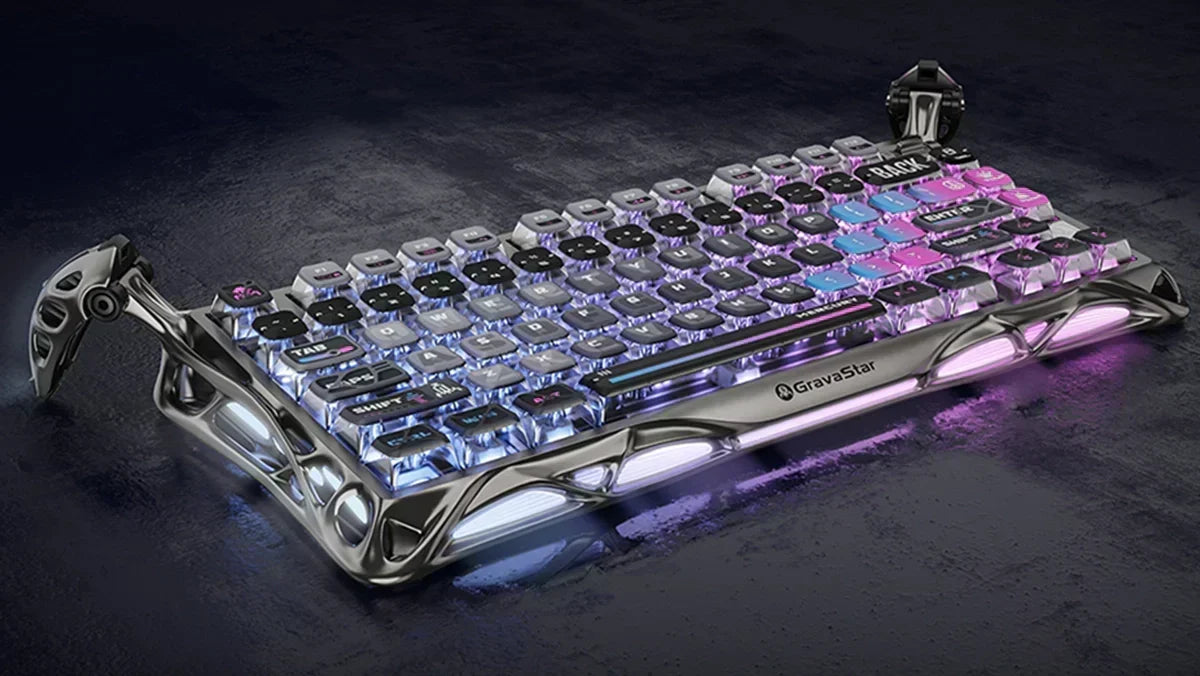
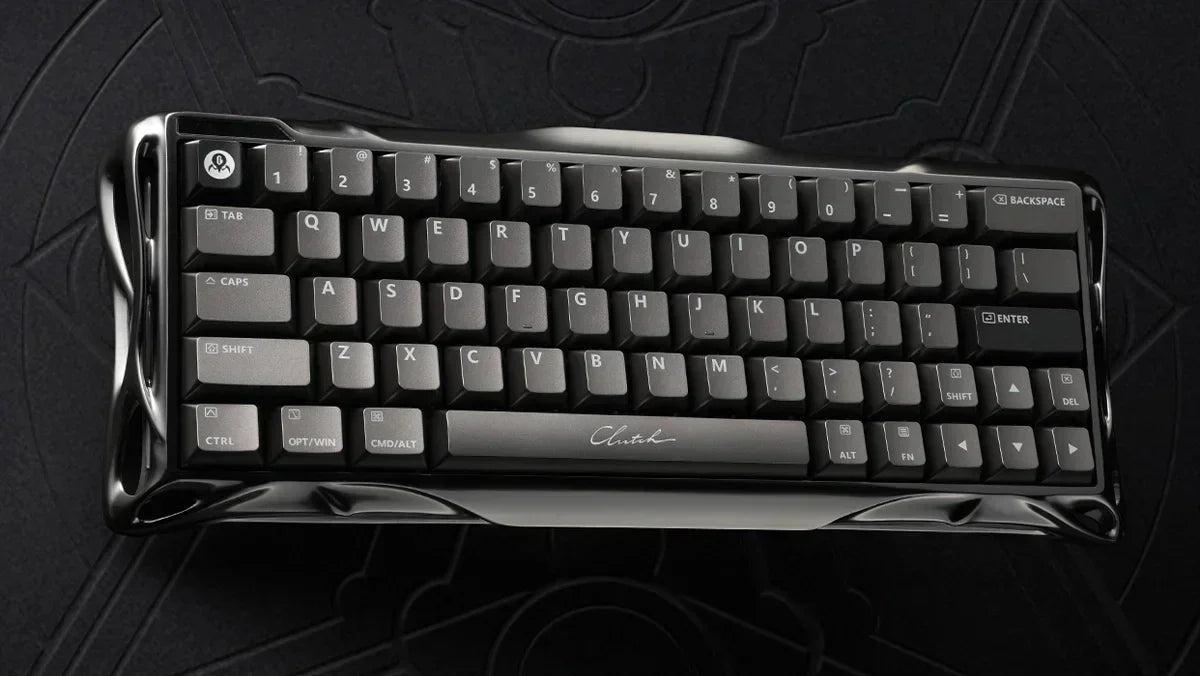
You no longer have to choose between ultimate competitive performance and your usual typing ergonomics. At GravaStar, we have solved the problem.
We are launching our hyped keyboards – including features such as 8000Hz polling rate and dynamic actuation – for selected models directly in the native German QWERTZ layout. Large Enter key, crisp switches, German key field, all packaged in our unmistakable, mechanical cyberpunk look.
End annoying imports and compromises. Discover our QWERTZ gaming keyboard collection, specially optimized for the DACH region, and get the hardware that is immediately ready for your next match victory without having to get used to it!

![Mercury K1 Pro Mechanical – Cyberpunk [ISO-DE/ANSI Layout]](http://gravastar.de/cdn/shop/files/GravaStar-Mercury-K1-Pro-Gaming-Keyboard-Cyberpunk-Special-Edition-75-Hot-Swap-RGB-2.webp?v=1776232567&width=600)

![Mercury V60 Pro Hall-Effect – Smoke Steel / Silverfrost [ISO-DE Layout]](http://gravastar.de/cdn/shop/files/Mercury-V60-Pro-Stahlgrauer-Rauch-Silberfrost-60-QWERTZ-Hall-Effekt-Gaming-Tastatur-8000Hz-GravaStar-1.webp?v=1779855353&width=600)
![Mercury V60 Pro Hall Effect - Cyber Frost Black [ISO-DE/ANSI Layout]](http://gravastar.de/cdn/shop/files/Mercury-V60-Pro-Cyber-Frost-Schwarz-60-Hall-Effekt-Gaming-Tastatur-8000Hz-Hot-Swap-Rapid-Trigger-GravaStar-DE-4.webp?v=1779244272&width=600)
![Mercury K1 Mechanical – Opal White [ISO-DE/ANSI Layout]](http://gravastar.de/cdn/shop/files/GravaStarMercuryK1OpalineWhite75_WirelessMechanicalKeyboard-1.webp?v=1776925469&width=600)
![Mercury K1 Mechanical – Sakura Pink [ISO-DE/ANSI Layout]](http://gravastar.de/cdn/shop/files/Mercury-K1-Sakura-Rosa-75-Mechanische-Gaming-Tastatur-Gasket-Mount-Tri-Mode-8000mAh-GravaStar-DE-6.webp?v=1779246012&width=600)

![Mercury V60 Hall Effect - Onyx Crystal [ISO-DE/ANSI Layout]](http://gravastar.de/cdn/shop/files/Mercury-V60-Onyx-Kristall-60-Hall-Effekt-Gaming-Tastatur-QWERTZ-8000Hz-Rapid-Trigger-GravaStar-4.webp?v=1779243932&width=600)
![Mercury K1 Mechanical - Black History [ISO-DE/ANSI Layout]](http://gravastar.de/cdn/shop/files/Mercury-K1-Gaming-Keyboard-Gradient-Black-75-Mechanical-Keyboard-2.webp?v=1776232531&width=600)
![Mercury V60 Hall Effect – Crystal Pink [ISO-DE/ANSI Layout]](http://gravastar.de/cdn/shop/files/MercuryV60KristallRosa60QWERTZHallEffektGamingTastatur8000HzRapidTriggerTransparentGravaStar5.jpg?v=1779244124&width=600)
![Mercury K1 Lite Mechanical – Crystal Aurora [ISO-DE/ANSI Layout]](http://gravastar.de/cdn/shop/files/Mercury-K1-Lite-Gaming-Keyboard---Crystal-Aurora-_-75_-Mechanical-Keyboard-4_5be41d0a-2810-44e2-b824-901daca53dc7.webp?v=1776229358&width=600)

![Mercury K1 Lite Mechanical – Crystal Black [ISO-DE/ANSI Layout]](http://gravastar.de/cdn/shop/files/GravaStar-Mercury-K1-Lite-Gaming-Keyboard-Transparent-Black-75-Mechanical-8000mAh-2.webp?v=1776232544&width=600)

Leave a comment
This site is protected by hCaptcha and the hCaptcha Privacy Policy and Terms of Service apply.